

A shared charging spot can stop the nightly search for adapters, but only if it supports the devices people already own. A tidy stand with weak power delivery or proprietary connectors quickly becomes clutter again.
What matters most
- Count USB-C, USB-A, and wireless charging needs separately.
- Check total shared output as well as each port maximum.
- Choose replaceable short cables for changing device families.
Choose by your situation
| Suitable for | Who it suits | Why it works | Tradeoff |
|---|---|---|---|
| Multi-port USB-C charger | Mixed laptops, tablets, and phones | High shared output from a compact power block. | Needs separate stands or cable organization. |
| Slot-style family organizer | Several phones and tablets | Keeps devices upright and assigns a visible place to each. | Cable lengths and wide cases may not fit neatly. |
| Wireless bedside hub | Phone, watch, and earbuds for one person | Reduces cable handling for a matching ecosystem. | Less flexible across brands and older devices. |
These are product-type recommendations, not paid placements or claims of hands-on testing. Confirm current specifications, compatibility, availability, and warranty terms with the manufacturer or retailer before buying.
Buying advice for everyday use
Think through where the product will live, who will use it, and what maintenance fits your routine. A feature has value only when it solves a recurring problem without adding more friction than it removes.
- Label short cables or assign each slot to a person.
- Leave ventilation space around high-output chargers.
What to avoid
- Unbranded power supplies with vague electrical specifications.
- A fixed connector arrangement that becomes obsolete when one device changes.
Use the priorities above while checking current product details and retailer terms.
Frequently asked questions
Will devices charge more slowly together?
They may if the station shares limited total output; read how power is divided across active ports.
Is wireless charging better for a family station?
It reduces cable wear but is less efficient and depends on device compatibility and careful alignment.
How this guide was prepared
Rated Picks compares product categories around real household and travel scenarios, published specifications, ownership demands, and common tradeoffs. We do not claim laboratory or hands-on testing where none occurred. Read our editorial standards.
 Buying a College Laptop on a Budget
 Smart Doorbells for Renters: Installation and Privacy
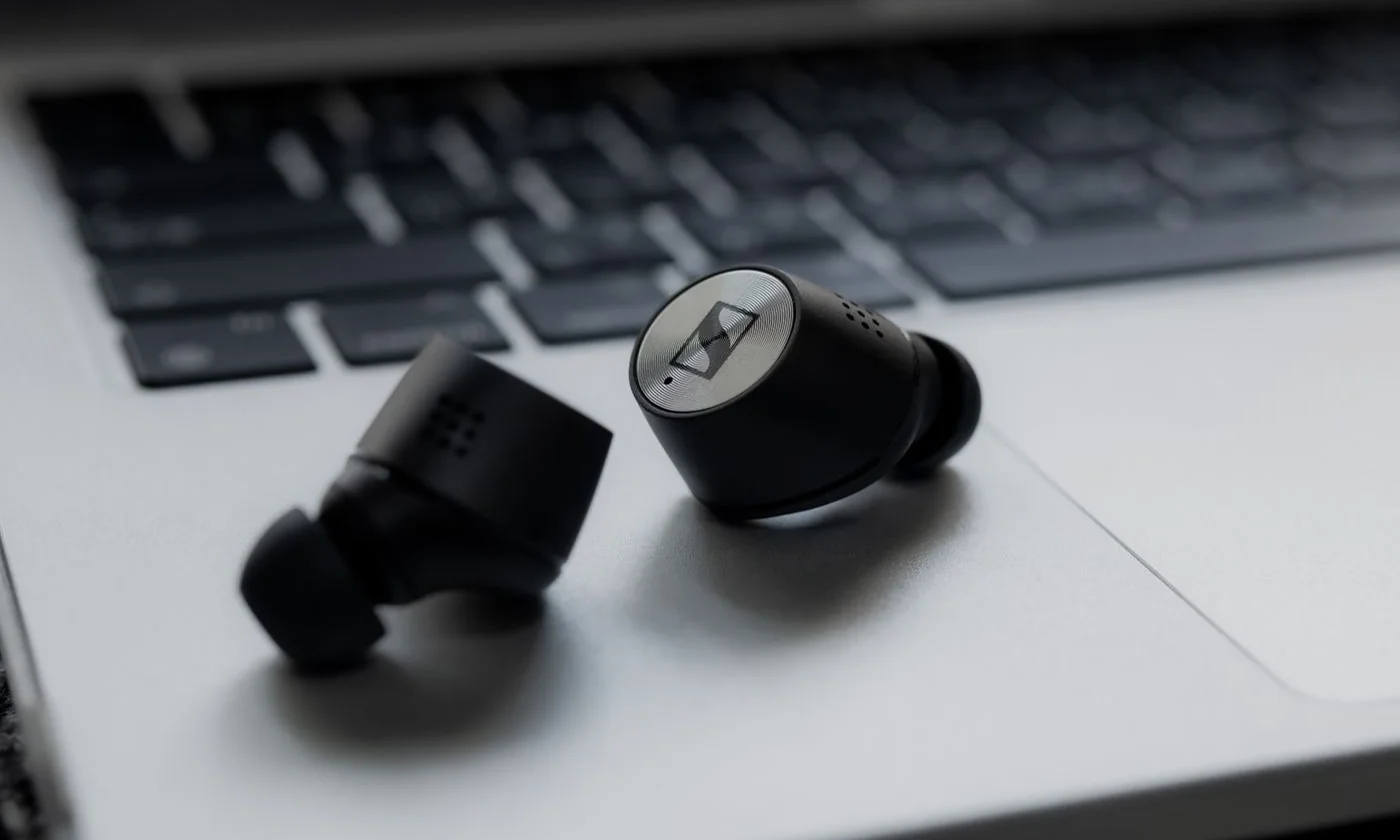 Wireless Earbuds for the Daily Commute